
Teaching in 2026 is smarter, faster, and more efficient—thanks to Artificial Intelligence (AI). Whether you’re a primary teacher, secondary educator, or school leader, AI tools can help you plan lessons, create worksheets, assess students, and save hours of work ⏱️
In this guide, you’ll discover 10 powerful FREE AI tools every teacher must use to simplify teaching and boost student engagement 📚✨
🔥 Save Time with AI Tools Today
🧠 Why Teachers Must Use AI in 2026
AI helps teachers:
✅ Save time on lesson planning
✅ Generate worksheets instantly
✅ Personalize learning for students
✅ Improve classroom engagement
👉 Instead of spending hours preparing, you can now do it in minutes 💡
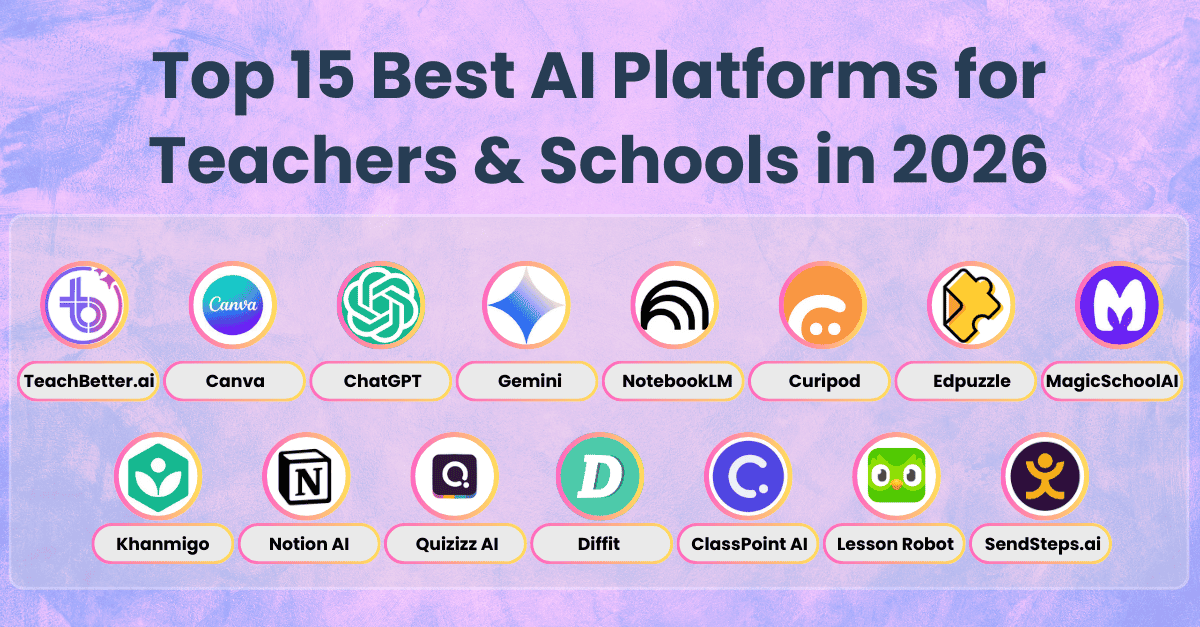
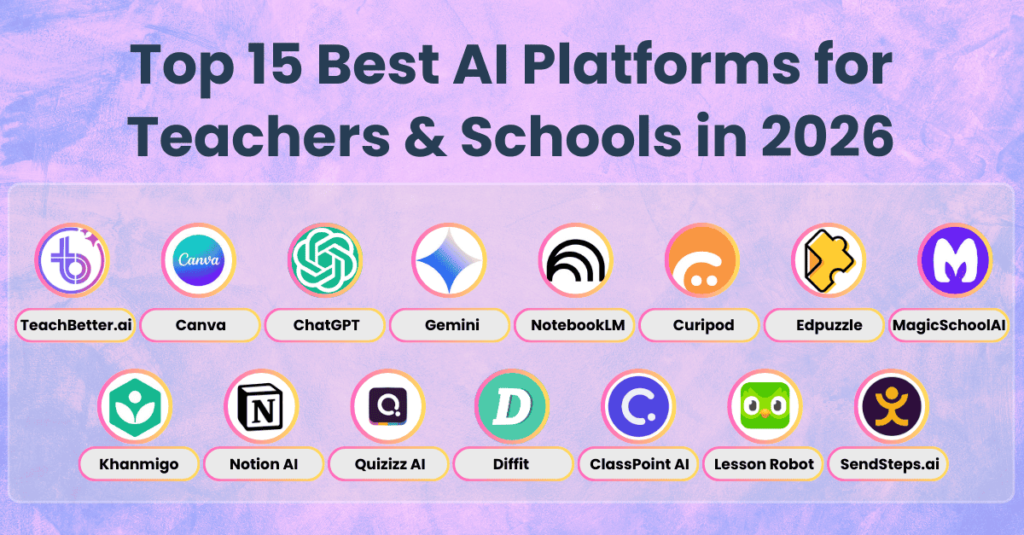
🏆 Top 10 Free AI Tools for Teachers (2026)
1. ChatGPT – Best for Lesson Planning 🧠
What it does:
Generates lesson plans, quizzes, explanations, and activities.
💡 Example:
👉 “Create a P4 science lesson on plants”
✔ Instant results
✔ Easy to use
✔ Great for all subjects
👉 Best for: Lesson planning, content creation
2. Canva – Best for Visual Content 🎨
What it does:
Create posters, presentations, worksheets, and infographics.
✔ Ready templates
✔ AI image generator
✔ Classroom-friendly
👉 Best for: Teaching aids, presentations
3. QuillBot – Best for Simplifying Content ✍️
What it does:
Rewrites text into simpler language for students.
✔ Improves clarity
✔ Helps students understand better
👉 Best for: Notes, explanations
4. Grammarly – Best for Writing Correction ✅
What it does:
Checks grammar, spelling, and writing quality.
✔ Improves professionalism
✔ Saves time correcting errors
👉 Best for: Emails, notes, assignments
5. Kahoot! – Best for Interactive Quizzes 🎮
What it does:
Create fun quizzes and games for students.
✔ Boosts engagement
✔ Real-time feedback
👉 Best for: Assessment and revision
6. Quizizz – Best for Homework & Tests 📊
What it does:
Generate quizzes automatically.
✔ Auto grading
✔ Student analytics
👉 Best for: Homework and exams
7. Slidesgo – Best for Lesson Slides 📽️
What it does:
Provides free presentation templates.
✔ Ready-made slides
✔ Saves preparation time
👉 Best for: Classroom presentations
8. Notion AI – Best for Planning 🗂️
What it does:
Organizes lesson plans, notes, and schedules.
✔ All-in-one workspace
✔ Smart organization
👉 Best for: Teachers’ productivity
9. Pictory – Best for Educational Videos 🎥
What it does:
Turns text into engaging videos.
✔ Visual learning
✔ Easy video creation
👉 Best for: Explaining complex topics
10. Google Gemini – Best Alternative AI Tool 🤖
What it does:
Helps with research, explanations, and content creation.
✔ Fast responses
✔ Google integration
👉 Best for: Research and support
📊 Comparison Table
| Tool | Best For | Ease of Use | Free Plan |
|---|---|---|---|
| ChatGPT | Lesson planning | ⭐⭐⭐⭐⭐ | Yes |
| Canva | Visual content | ⭐⭐⭐⭐⭐ | Yes |
| QuillBot | Rewriting | ⭐⭐⭐⭐ | Yes |
| Grammarly | Writing | ⭐⭐⭐⭐⭐ | Yes |
| Kahoot | Quizzes | ⭐⭐⭐⭐⭐ | Yes |
| Quizizz | Tests | ⭐⭐⭐⭐⭐ | Yes |
| Slidesgo | Slides | ⭐⭐⭐⭐ | Yes |
| Notion AI | Planning | ⭐⭐⭐⭐ | Yes |
| Pictory | Videos | ⭐⭐⭐⭐ | Limited |
| Google Gemini | Research | ⭐⭐⭐⭐⭐ | Yes |
📢 Upgrade Your Teaching Today
💡 How Teachers in Rwanda Can Use These Tools
👉 Example workflow:
- Use ChatGPT → Create lesson
- Use Canva → Design materials
- Use Quizizz → Create quiz
- Use Kahoot → Review lesson
💡 Result: Full lesson in under 30 minutes ⏱️
❓ FAQs (SEO Boost)
Are AI tools free for teachers?
Yes, most AI tools offer free versions with enough features for teaching.
Can AI replace teachers?
No. AI supports teachers but cannot replace human interaction.
Which AI tool is best for lesson planning?
ChatGPT is the best tool for creating lessons quickly.
🚀 Final Verdict
👉 Best overall → ChatGPT
👉 Best for design → Canva
👉 Best for quizzes → Kahoot & Quizizz